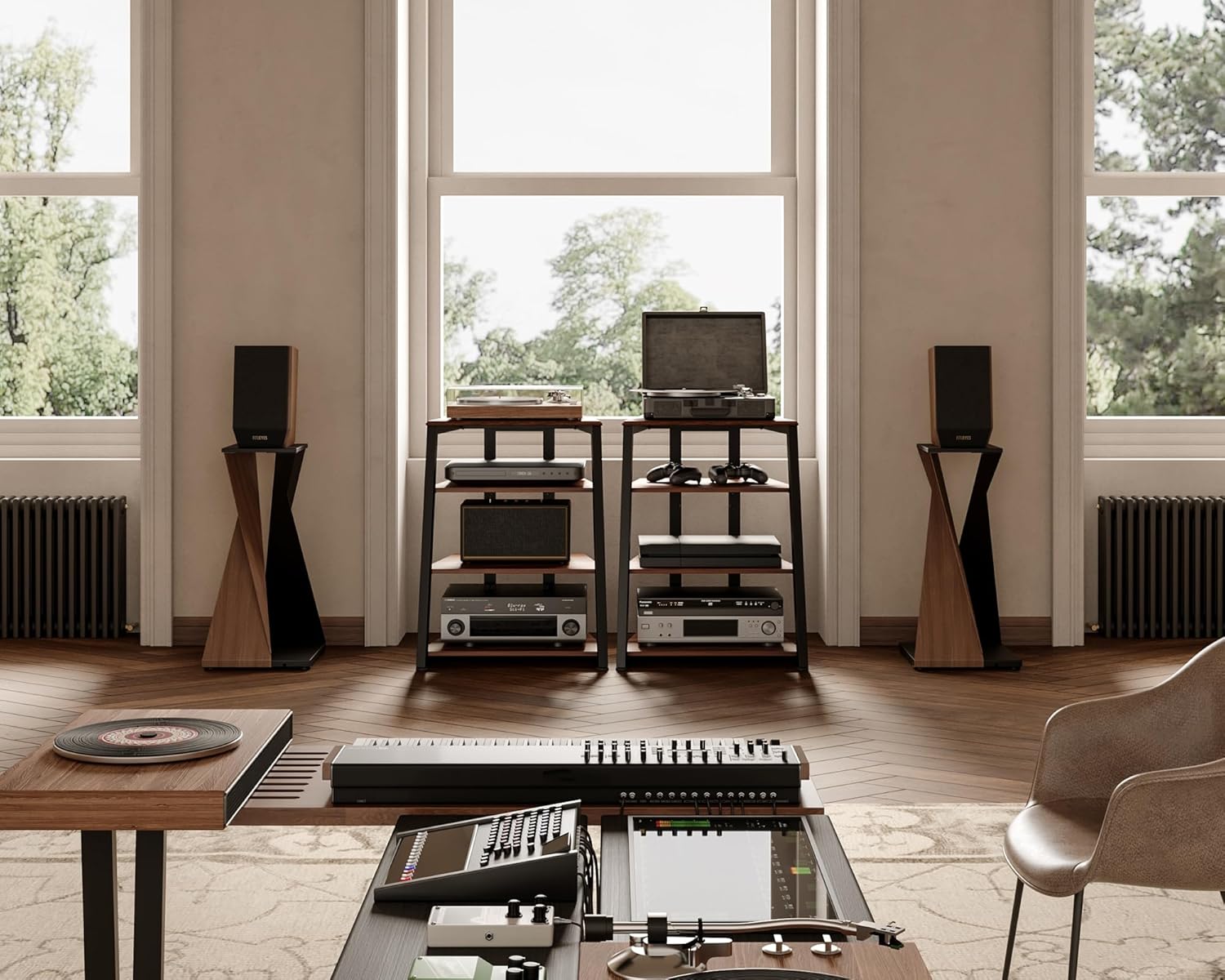
If you’re outfitting a dedicated game room — a space set aside specifically for consoles, arcade machines, screens, and all the hardware that goes with them — the stand holding your AV gear (audio-visual equipment: TVs, game consoles, receivers, streaming boxes, and associated cables) is not a background detail. It is load-bearing infrastructure. A media stand that works fine in a living room can fail quietly in a game room: sagging shelves from stacked consoles, overloaded power strips run through undersized cable channels, LED accent lighting that flickers out after six months, and outlet access that requires moving the entire unit every time you add a new peripheral. This guide is for builders at the intermediate stage — people who already understand what they’re putting on the stand and are now making the call on which stand can actually handle it. We’ll cover the three things that matter most in a game room context: outlet access and power routing, LED finish longevity, and what published weight ratings actually mean versus what owners report.
Outlet Access and Power Routing: The Detail That Kills Otherwise Good Builds
In a typical living room, a media stand serves one TV, one streaming device, and maybe a soundbar. In a game room, the same footprint might need to support a current-gen console, a legacy console, a capture card, an external hard drive, an AV receiver, a gaming monitor, and an LED controller — before you account for charging cables and peripheral hubs. That’s a fundamentally different electrical demand.
The most common mistake builders make is treating built-in power strips or outlet pass-throughs as a convenience feature rather than a structural one. Apartment Therapy’s coverage of media console selection consistently flags this: many stands rated at 6-outlet capacity list that spec without disclosing the amperage ceiling of the internal wiring harness. A stand with six outlets wired through a 10-amp internal circuit can trip or degrade well under its apparent capacity when running high-draw devices simultaneously — which is exactly what a game room stack does.
What to look for instead:
- Rear access panels sized for surge protector pass-through (minimum 2-inch diameter knockout or open-back design)
- Cable channels with rubber grommets between shelf levels — not just a single rear cutout at the base
- Stands designed with an intentional “power bay” — a dedicated shelf section with extra depth and ventilation — rather than routing power through the same channel as HDMI and display cables
This Old House’s guidance on in-wall power solutions for home theaters is worth reading alongside any stand purchase: their consistent recommendation is that the stand itself should be an anchor point for a properly rated, wall-mounted power conditioner rather than the primary power source. For game room builders, that means the stand’s job is safe routing and organization, not amperage delivery. Spec the stand for cable management quality; spec your wall outlet or conditioner for power.
One practical marker: if the stand’s product listing describes the outlet feature prominently but omits total amperage or references only “6 USB ports” without clarifying whether those ports share a single controller chip, treat that as a yellow flag. USB hubs running 6 devices through a single 2.1A controller will charge devices slowly and may create power noise that affects audio equipment on the same strip.
LED Finish: What “Integrated LED” Actually Means, and Why It Matters for Longevity
LED accent lighting (strips or embedded fixtures that illuminate the stand’s interior shelves, back panel, or base) has moved from novelty to near-standard on game room furniture in the past four years. The problem is that “integrated LED” on a product listing can mean anything from a $4 SMD strip glued into a channel to a properly spec’d, individually addressable RGB system with a controller rated for 50,000-hour continuous operation.
Wirecutter’s coverage of TV stands flags LED quality as one of the most under-examined features in the category — reviewers consistently note that LED strips on budget and mid-tier stands tend to fail or dim noticeably within 12–18 months of regular use, particularly in warm enclosed spaces where heat from electronics accumulates. Game rooms, which often run hardware for 4–8 hours at a stretch, accelerate that timeline.
The practical checklist for evaluating LED specs:
- Strip density: Minimum 30 LEDs per meter for even illumination without visible hotspots. Listings that omit this number are usually hiding a lower density.
- Controller quality: Stands with app-controlled or IR-remote RGB systems vary enormously in controller longevity. Owners of stands in the $150–$300 range frequently report in aggregated reviews that the controller fails before the strip itself. Look for stands where the controller is a discrete, replaceable unit rather than embedded in the frame.
- Heat path: LED strips mounted against MDF or particle-board panels without a thermal channel trap heat. Stands with aluminum extrusion channels for LED strips dissipate heat significantly better — this is the primary driver of long-term strip longevity.
- Sync capability: If you’re building a synchronized lighting setup (matching your stand LEDs to your gaming monitor’s ambient lighting system, for example), confirm the stand’s controller supports the relevant protocol (Philips Hue Sync, Razer Chroma, generic WLED) before purchasing. Most budget stands do not.
For the serious game room builder, the cleaner move is often a stand with an open-back LED channel that accepts aftermarket strips, rather than a proprietary integrated system you can’t service. The premium fabricators in the $400–$1,200 tier — outfits like Game Room Guys — increasingly offer this as a configured option precisely because their buyers have already burned through budget-stand LED systems once.
Real Weight Limits: The Gap Between Advertised and Owner-Reported Ratings
This is where the spec sheet most consistently misleads buyers, and it’s worth spending real time here.
Published weight capacity on a media stand refers almost universally to the maximum static load the piece can support under ideal conditions: weight distributed evenly across the full shelf surface, hardware resting flat, no point loading, no dynamic stress. Game room hardware doesn’t work that way. A console sitting on a small rubber foot contacts only a fraction of the shelf surface. Stacked equipment creates point loads. Drawers and doors, when open, create cantilevered stress on the frame.
Game Room Solutions’ editorial coverage of AV furniture load ratings is direct on this point: the industry standard is to rate shelves at center-point static load, which means a shelf rated at 80 lbs. may begin to deflect visibly with 60 lbs. of hardware if that hardware is concentrated at the shelf’s center rather than distributed toward the sides. For MDF (medium-density fiberboard, the pressed wood composite used in most budget and mid-tier stands), deflection under sustained load is cumulative — a shelf that holds fine at month one may show measurable bow by month eighteen.
Popular Mechanics’ guidance on AV furniture consistently recommends applying a 70% rule to advertised weight ratings for any stand using MDF shelving that will carry a sustained, concentrated load — which is precisely the use case for game room console storage.
By the Numbers
| Shelf material | Advertised rating (typical) | Practical working load (70% rule) | Deflection risk under point load |
|---|---|---|---|
| MDF (≤¾ inch) | 60–80 lbs. | 42–56 lbs. | High at center |
| MDF (1 inch+) | 80–110 lbs. | 56–77 lbs. | Moderate |
| Tempered glass | 50–100 lbs. | 35–70 lbs. | Low, but zero flex warning |
| Steel frame + particle board | 100–150 lbs. | 70–105 lbs. | Low-moderate |
| Solid wood or plywood core | 100–200 lbs. | 70–140 lbs. | Low |
For a game room stack that includes a current-gen console (roughly 10–14 lbs.), an AV receiver (20–35 lbs. for mid-range units), legacy hardware, and peripheral storage, you can easily land at 70–90 lbs. of shelf-level load before accounting for any media storage. That math should point you toward steel-frame or solid-wood-core construction if you’re building for more than a single console.
Owners of stands in the $200–$400 range consistently report in aggregated reviews that the most durable units in this tier are those with a visible steel frame supporting the shelf panels, rather than stands where the MDF itself is the structural member. The panel becomes a shelf surface; the steel carries the load.
Matching the Stand to Your Actual Build
Here’s the decision framework, stated plainly:
If your game room stack is one current-gen console, one receiver, and light peripherals (under 60 lbs. total shelf load): A well-spec’d MDF stand in the $120–$250 range with proper cable management will perform reliably. Apply the 70% rule, confirm rear cable access, and treat the LED system as replaceable rather than permanent.
If you’re running multiple consoles, a full AV receiver, and legacy hardware across two or more shelves (60–120 lbs. total): Steel-frame construction is the correct call. Budget $250–$500 for this tier and prioritize frame visibility in product photos — a steel frame should be apparent, not hidden under cladding with no mention of it in the spec.
If you’re building a commercial-adjacent or venue setup that will run continuously, see heavy traffic, or need to match branded aesthetics: The custom fabricator tier ($400–$1,200+) is the only segment where you get specified steel gauges, powder-coat durability ratings, and outlet configurations built to your actual hardware list. Generic retail furniture is not engineered for 24/7 operation under real game room loads; the failure modes (shelf deflection, LED degradation, cable channel wear) are significantly accelerated.
Across all tiers, the single most reliable signal of a stand that will actually hold up in a game room is owner-reported experience from buyers who used it in equivalent conditions — not the manufacturer’s listed weight rating alone, and not the LED feature photography. Aggregated owner reviews specifically mentioning console storage, cable routing, and multi-year durability are the data points worth hunting for.
The stand is infrastructure. Spec it like one.